7 Minutes
Presenting The Bugfender MCP: Use Your AI Agent to Find and Fix Bugs
Fix Bugs Faster! Log Collection Made Easy
You asked for it. We built it.
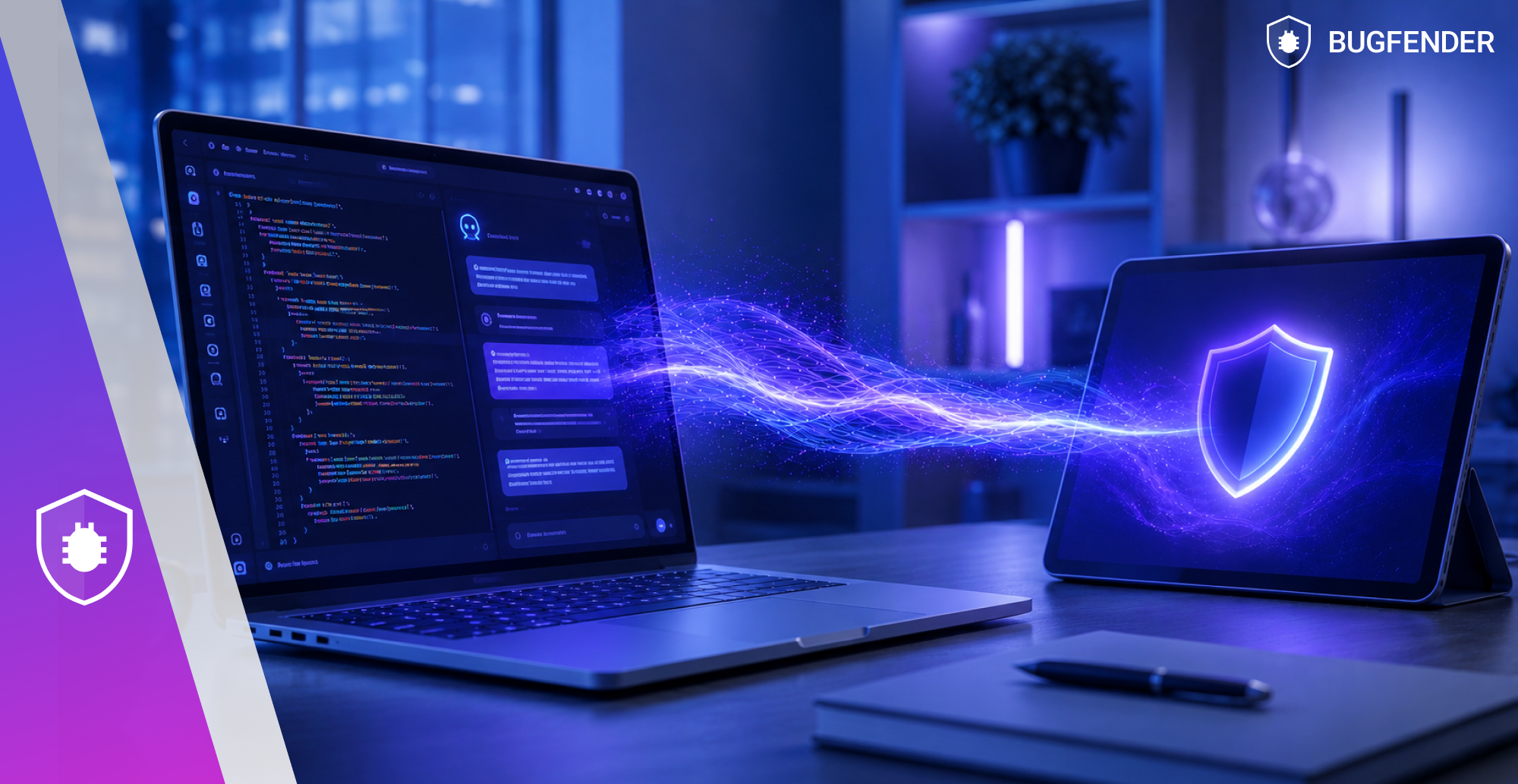
Our new MCP server means you can debug directly inside your AI coding tool using real app data from Bugfender.
You can use it to:
- Query logs, issues, devices, and network data.
- Investigate both crashes and release regressions.
- Use structured Bugfender tools instead of pasted stack traces.
- Let companion skills guide triage and SDK setup.
It works with Cursor, Claude Code, Codex and Gemini CLI.
This article will show you how to install the Bugfender MCP server, which tools your agent can access, and how the companion skills help you fix bugs faster.
Here’s some further info for once you’re done reading this:
- GitHub documentation.
- Our introduction to the Model Context Protocol.
- Our guide to AI debugging with lots of practical examples.
Want to start testing straightaway? Try Bugfender free.
What the Bugfender MCP server is
@bugfender/mcp is a local MCP server that gives your AI agent read access to your Bugfender account.
The server provides access to 24 tools across logs, crashes, devices, issues, network, and feedback: everything your agent needs to investigate a problem from initial symptom to root cause.
It also ships with two companion skills: an investigation workflow and an SDK setup workflow. The skills encode opinionated investigation patterns on top of the raw tools, so your agent knows how to triage, not just fetch.
How to install the Bugfender MCP server
You need a Bugfender access token to get started. A refresh token is recommended because it lets the MCP server refresh credentials automatically. BUGFENDER_API_URL is optional unless we use local or self-hosted Bugfender credentials.
Sign up for free to create an account, then use the setup for our agent.
Cursor and Claude Code
Add this block to the MCP config file:
{
  "mcpServers": {
    "bugfender": {
      "command": "npx",
      "args": [
        "-y",
        "@bugfender/mcp"
      ],
      "env": {
        "BUGFENDER_API_TOKEN": "YOUR_ACCESS_TOKEN",
        "BUGFENDER_REFRESH_TOKEN": "YOUR_REFRESH_TOKEN",
        "BUGFENDER_API_URL": "<https://dashboard.bugfender.com/api>"
      }
    }
  }
}
After saving the MCP server, restart the client so it reloads the configuration cleanly. Then test the connection with who_am_i or list_apps.
Codex CLI
codex mcp add bugfender \\
  --env BUGFENDER_API_TOKEN='YOUR_ACCESS_TOKEN' \\
  --env BUGFENDER_REFRESH_TOKEN='YOUR_REFRESH_TOKEN' \\
  --env BUGFENDER_API_URL='<https://dashboard.bugfender.com/api>' \\
  -- npx -y @bugfender/mcp
After running codex mcp add, restart the Codex session before testing who_am_i or list_apps.
Gemini CLI
gemini mcp add bugfender npx -y @bugfender/mcp \\
  --env BUGFENDER_API_TOKEN='YOUR_ACCESS_TOKEN' \\
  --env BUGFENDER_REFRESH_TOKEN='YOUR_REFRESH_TOKEN' \\
  --env BUGFENDER_API_URL='<https://dashboard.bugfender.com/api>'
After running gemini mcp add, start a new Gemini CLI session or reload MCP servers before testing who_am_i or list_apps.
Codex app
In the custom MCP server form, add:
- Name:
bugfender - Command to launch:
npx - Argument 1:
y - Argument 2:
@bugfender/mcp - BUGFENDER_API_TOKEN:
YOUR_ACCESS_TOKEN - BUGFENDER_REFRESH_TOKEN:
YOUR_REFRESH_TOKEN - BUGFENDER_API_URL:
https://dashboard.bugfender.com/api
Add the arguments as separate rows, not as one combined string. After saving the server, restart the app before testing who_am_i or list_apps.
What tools your agent gets access to
As we mentioned, your agent has 24 tools available once connected. Here’s what each group covers.
App and device tools
These tools give the agent orientation: what apps exist in your account, which versions are active, and how many devices are reporting data.
who_am_i: verify the connected accountlist_teams: list teams in the accountlist_apps: list all appsget_app: get metadata for a specific applist_app_versions: list versions reporting datasearch_devices: find devices by filtercount_devices: count devices matching a queryget_app_summary: get a high-level snapshot of an app’s healthget_sdk_snippet: retrieve the SDK setup snippet for a platform
Crash tools
These tools let the agent investigate crashes without you opening the dashboard.
get_crashes: list crashes with aggregated statsget_crash_stats: get frequency and trend data for a crashget_crash_device_stats: break down a crash by device, OS, and versionget_crash_details: pull the full stack trace and context for a specific crash
Log tools
These tools let the agent search and count log entries across sessions and devices.
search_logs: search logs by keyword, device, time range, or sessioncount_logs: count log entries matching a querycount_devices_with_logs: count how many devices produced matching logs
Issue and feedback tools
These tools give the agent access to aggregated issues and user feedback.
list_issues: list issues reported in an appget_issue: get details for a specific issueget_issue_stats: get frequency and trend data for an issueget_issue_device_stats: break down an issue by device and versionget_issue_devices: list devices that reported a specific issueget_feedback: retrieve user feedback submitted from the app
Network tools (Beta, ask for access)
These tools let the agent analyze network behavior without the need to manually filter requests.
get_network_aggregates: get aggregated network request data by endpointget_network_details: get full request and response details for a session
How to use the companion skills
The MCP server gives your agent raw capabilities. The companion skills add an opinionated workflow on top. So instead of calling tools one by one, your agent follows a structured triage pattern.
You can install both skills from the agent chat in Cursor, Codex, or Claude Code:
Use $skill-installer to install these skills from <https://github.com/bugfender/bugfender-skills:>
- skills/bugfender
- skills/bugfender-sdk-setup
Be sure to restart your client after installation.
The investigation skill
The $bugfender skill encodes a crash and issue investigation workflow. It tells your agent to use aggregation before diving into logs, narrow the time range early, size the impact before going deep, and end with a short triage summary.
Use it for prompts like:
- “Investigate the top crashes in this app”
- “Summarize issue trends since the last release”
- “Compare crash impact before and after version 2.4”
- “What’s likely causing this error and how many users does it affect?”
The SDK setup skill
The $bugfender-sdk-setup skill handles onboarding. It detects your project platform automatically, fetches the correct SDK snippet, maps the setup to your actual repository files, and applies the minimum required changes.
Use it like this:
Use $bugfender-sdk-setup to set up Bugfender in this app with the minimum required changes.It supports iOS, Android, Flutter, React Native, Unity, .NET MAUI, Cordova, Ionic, Angular, React, Vue, JavaScript, jQuery, Titanium, and Web.
So whichever framework you’re working with, chances are it’s supported.
The next steps
As we mentioned at the top, we’ve also got an introduction to Model Context Protocol and our guide on debugging apps with AI. These articles will deepen your insight.
Or if you’re ready to start tinkering and exploring, why not try Bugfender free?
You get:
- The ability to drill down into any bug on any user device, even without physical access.
- A full logging service rather than just a crash report, so you can monitor proactively even when your app is working fine.
- And now, an intuitive AI feature that means you don’t even have to describe the problem.
Here’s the link again. Have fun.
Frequently asked questions about Bugfender MCP server
Does the MCP server work with self-hosted Bugfender?
Yes. Set BUGFENDER_API_URL to your self-hosted backend URL. Credentials generated from your local dashboard won’t authenticate against dashboard.bugfender.com/api, so the URL override is required. Add it to your config alongside your token.
Is the MCP server read-only?
Yes. The server provides read access only. Your agent can query logs, crashes, issues, and network data, but it cannot write to your Bugfender account, modify data, or delete anything. All write operations still happen through the dashboard or SDK.
What happens when my token expires?
If you configure a BUGFENDER_REFRESH_TOKEN, the server handles token rotation automatically and stores the refreshed credentials in ~/.bugfender/mcp.json. If you only configure an API token with no refresh token, you’ll need to regenerate and update it manually when it expires.
Which platforms does the SDK setup skill support?
The skill supports all major platforms including iOS, Android, Flutter, and React Native. See the full list in the SDK setup skill section above.
Try Bugfender free and connect the MCP server.
Expect The Unexpected!
Debug Faster With Bugfender

Aleix Ventayol
Aleix Ventayol is CEO and co-founder of Bugfender, with 20 years' experience building apps and solutions for clients like AVG, Qustodio, Primavera Sound and Levi's. As a former CTO and full-stack developer, Aleix is passionate about building tools that solve the real problems of app development and help teams build better software.